Projects
Everything in ACTS ML is organised into projects. A project is like a folder that holds the dataset, settings, training runs, and predictions for one model.
Creating a Project
We covered project creation in the Quick Start guide. You can create a new project by clicking the New Project button on the Projects page.
Other project features
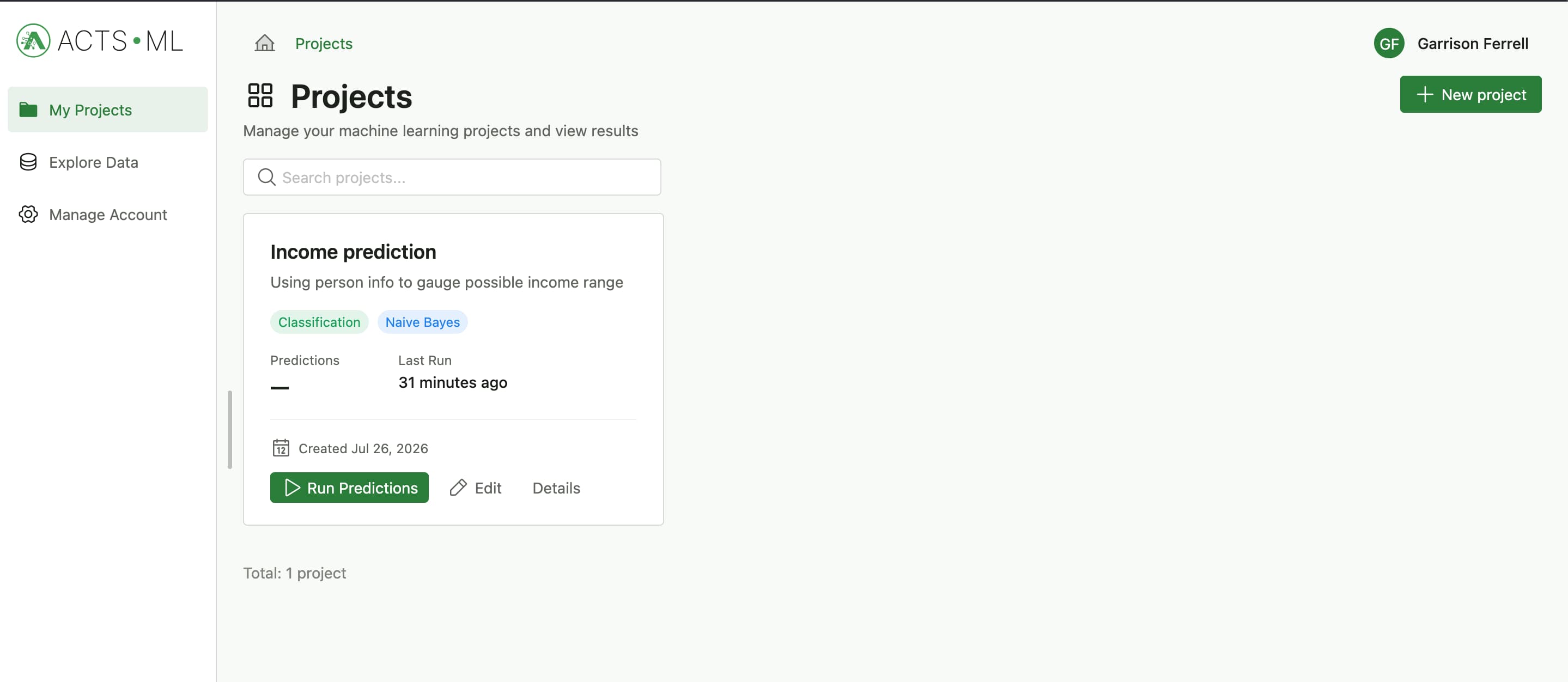
You can find existing projects on the Projects page, which is also the main platform dashboard. On this screen, you can:
- Run predictions against any model (it takes the latest trained model for that project)
- View the project details and datasets
- Edit the project details on the main creation/edit steps
Training runs overview
Project Training runs comprise the historical development of your model from the time of creation to date. Think of each entry as a version of your model. It holds information about the parameters used for training and the performance of the model on the training data. You can view the details of each training run by hovering over the items in the Metrics column, or clicking Results on the actions menu
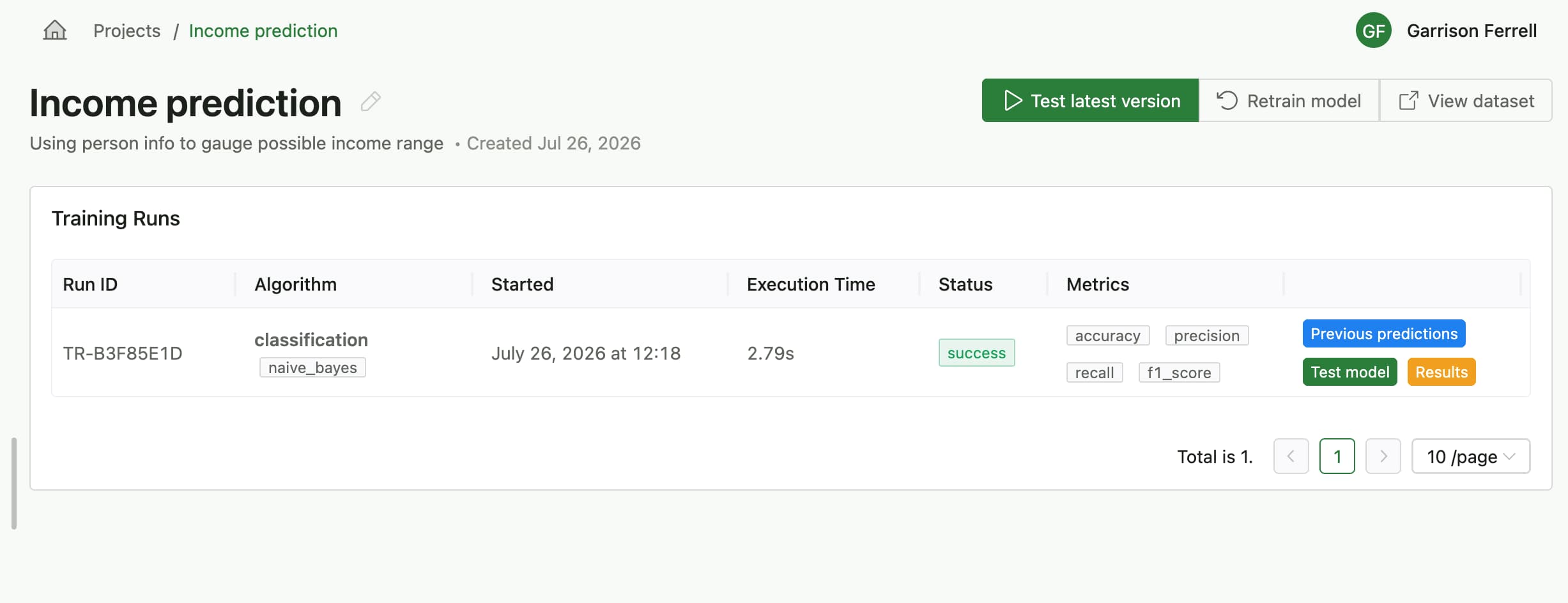
From this screen, you can also:
- Retrain the model with new algorithm configurations
- View the dataset used for training
- View previous
Predictionsfor any of the versions
The main actions on the page work off of the latest trained model for that project. If you want to work with a previous version, you can select it from the Training runs table, on the last column.